XREAL Aura is a new device class in your fleet
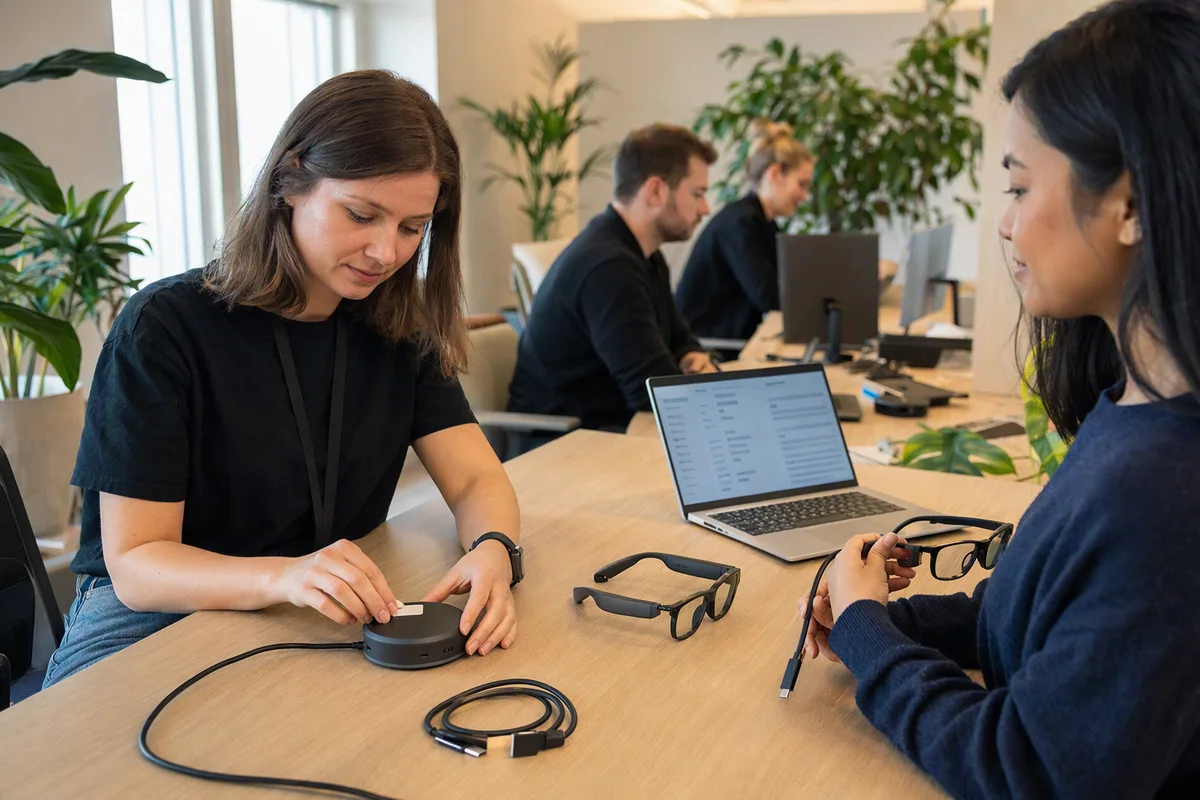
The head of field service at a sixty-person company reads about the launch on a Tuesday and asks IT for two pairs of display glasses for the technicians. The idea is sound: manuals and the customer’s history in front of the eyes, both hands free, an assistant that can see the unit on the bench. The questions start the moment the box would arrive. Whose account signs in? Who updates them? Which network do they join? What happens to the camera footage from a customer’s plant room? And where is the spare when one breaks halfway through a job two hundred kilometres away?
None of those questions is about the glasses being good or bad. They are the questions every new class of device raises, and display glasses with an AI agent are exactly that: a new class.
What has just been put on sale
On 7 October 2026 XREAL priced Aura: portable spatial computing glasses powered by Android XR, developed with Google, with Gemini as the built-in assistant and apps from Google Play. The glasses are optical see-through, under 95 grams, with two tracking cameras, a high-resolution camera with a privacy light and four microphones. A cable runs to a compute puck: Qualcomm Snapdragon Reality Elite, 12 GB/256 GB or 16 GB/512 GB, a 4,455 mAh battery, Wi-Fi 6E, Bluetooth 5.3, GPS, a fingerprint reader and full ADB access.
Prices start at USD 1,279, or USD 1,499 for the larger model. Shipping starts in the United States, Canada, Japan and South Korea, with more markets in 2027. Poland and the rest of the European Union are not in the first wave.
The real cause: it is a laptop, a phone and a camera at once
The puck is a full computer. The glasses are a camera and a microphone array worn at eye level, in every room the wearer walks into. The assistant is an agent that can see what the wearer sees and act in apps on their behalf. Treat that as a gadget and it lands outside every policy you have. Treat it as a device, and most of what you need already exists; it just has to be applied to something that looks different.
Where a new device class slips through
Identity. An assistant and an app store from the platform vendor mean an account. If that is the technician’s personal account, the device, its history and its settings leave with the technician. The account has to be a company account, tied to your directory, and removed with everything else when someone leaves. That is why identity is the real lock-in.
Device management. Laptops and phones are enrolled, configured and wiped remotely. How Aura enrols in device management is not something XREAL’s public materials spell out, so ask before you buy. Full ADB access is useful for developers and a risk on a fleet device; whether it is on, and for whom, is a policy decision, not a default.
Network. A Wi-Fi 6E device with a camera has to land somewhere. Put it on the staff network and it can reach whatever staff laptops reach. A designed network decides which zone it joins and what it may talk to, the same question as the warehouse tablet that can reach the finance server.
Updates. System updates come from the platform and the device maker on their schedule. Somebody in your company has to know which version each pair runs and decide when it changes.
Spares and lifecycle. A wired device that is plugged in and out every day needs a spare cable; a puck with a battery needs a plan for when that battery wears. For a field team, one spare pair is the difference between a delay and a lost day. Hardware you own should outlast its first owner, and that starts with knowing where every pair is.
Camera and recordings. The privacy light shows that the camera is on. It does not decide where images go, how long they are kept, or who may watch them. XREAL does not publicly break down which AI work happens on the puck and which in the cloud, which is one more question for the vendor.
People who did not choose to be filmed. Colleagues, customers, a visitor at reception. EU data protection rules apply to them whatever the device’s marketing says, and so does ordinary courtesy.
What to do instead of a quick purchase
Write the device class first. One page: what the glasses are for, who may have them, where they may not be worn, and who approves exceptions.
Company identity or no deployment. Sign-in with company accounts only, managed from your directory, with a clear answer to what happens on the day someone leaves.
Enrol or wait. If a device cannot be enrolled, configured and wiped like the rest of the fleet, it is a pilot in a lab, not a tool in the field.
A network zone and a camera policy. Decide where the glasses connect and what the camera may capture before the first pair is unboxed. Tell people about both.
Spares, labels, an inventory line. Asset tags on the puck and the glasses, a spare cable, a spare pair for a team that travels.
Pilot with two people. Buyers in Europe will be importing for now, which means sorting out warranty and returns yourselves. Keep the pilot small until there is a local route.
The platform side, what stays with the vendor and what you can keep, is in Android XR at work: what you can keep on your side. It is the same question we ask of every layer of IT you own.
A test for this afternoon
Open your device policy and replace every “laptop” with “glasses with a camera”. Read each rule aloud. Every rule that no longer makes sense, and every situation the policy does not mention, is a gap you will have to close before the first pair arrives.
Then ask one question in the management meeting: who in this company may approve a camera worn all day by an employee? If nobody can answer, that is the first decision to make.
Sources: XREAL Aura, XREAL press release, 7 October 2026.
- XR glasses
- device management
- AI agents
- privacy